

Point Of Sale ForMalaysian Shops
Sell at the counter, keep prices and stock right in every branch, and see the day's numbers from anywhere. Made for mini markets, hardware, apparel and wholesale.





















Everything Your ShopDoes In A Day
At the counter
Sell in seconds, even on a busy day
Tap the photo or scan the barcode. Member prices, vouchers and promotions apply by themselves, and a sale can wait on hold while you serve the next customer.
- Big product photos and clear prices
- Hold a sale and pick it up later
- Vouchers and cart promotions
Payment
Take every way your customers pay
Cash with the change worked out for you, DuitNow QR, card, bank transfer, points or a split. The receipt prints and the drawer opens on its own.
- Cash rounded to the nearest 5 sen
- Points pay part of the bill
- Printing a receipt never charges twice
Prices
The right price for every customer
Give contractors, wholesale buyers or staff their own prices. Sell by the piece, the pack or the carton, and let a branch keep its own price when it needs to.
- Price groups for your customers
- Units like PCS, PKT of 6 and CTN of 12
- A branch's own price, or head office's

Stock
Stock you can trust, in every branch
See what is on hand and what it is worth, get warned before a shelf runs empty, and move stock between branches with a clear trail.
- Low and out-of-stock alerts
- Big adjustments wait for approval
- Transfers tracked from sent to received
For the owner
Know your shop from anywhere
Today's sales, margin and every counter, live, by branch or all together, on your phone or at your desk.
- Every counter live, online or offline
- Collected by cash, QR and card
- Top products and what needs attention

Staff
Your staff, your rules
Each person signs in with their name and a 6-digit PIN on a paired counter. Their position decides what they can do, down to how far a price may change.
- PIN sign-in on paired devices only
- Limits like refunds up to RM 50
- A price below cost is always refused
Works offline
The line drops. Your counter doesn't.
Cash sales, holds, receipts, opening a shift and cash counts keep working without the internet. When the line is back, everything syncs by itself and the server checks it all again.
- Cash sales within your rules
- Receipts print as usual
- Card, QR checks and points wait for the line
Accounting built in
Your books, kept while you sell
Every sale, shift close and stock change posts a balanced journal. Nothing posted is ever edited; a mistake is reversed, so the numbers always add up for your accountant.
- Balanced for every company you run
- Z-reports and shift close
- Points and money kept apart
More Built InFor Your Shop
Head office and branches
One set of products and prices, each branch with its own stock and counters.
Members and points
Members earn points as they buy and spend them at the counter.
Wholesale documents
Quotations, invoices and delivery orders for your trade buyers.
Receipts and printers
80 mm receipts, copies and cash count slips, with the cash drawer.
Audit log
Who changed what and when, for every price, stock count and refund.
e-Invoice
MyInvois e-Invoices, including the monthly consolidated one.
One POS,Set Up For Your Shop
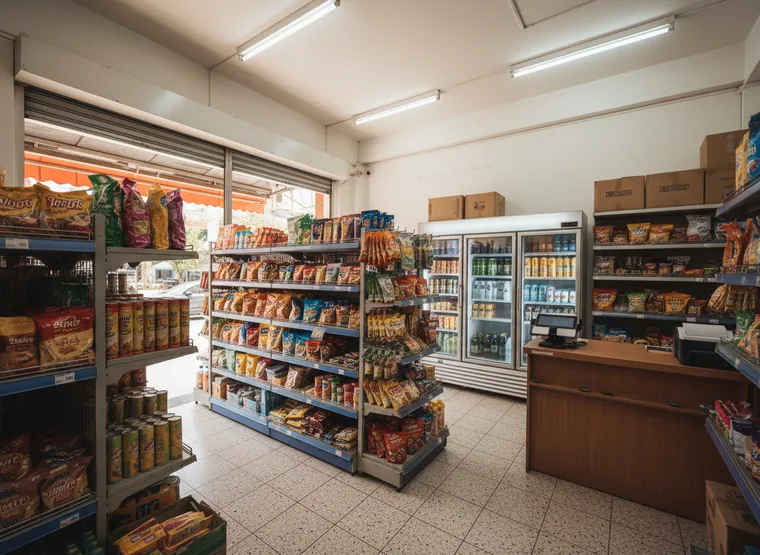
Mini market
Barcode scanning, fresh items and member prices.
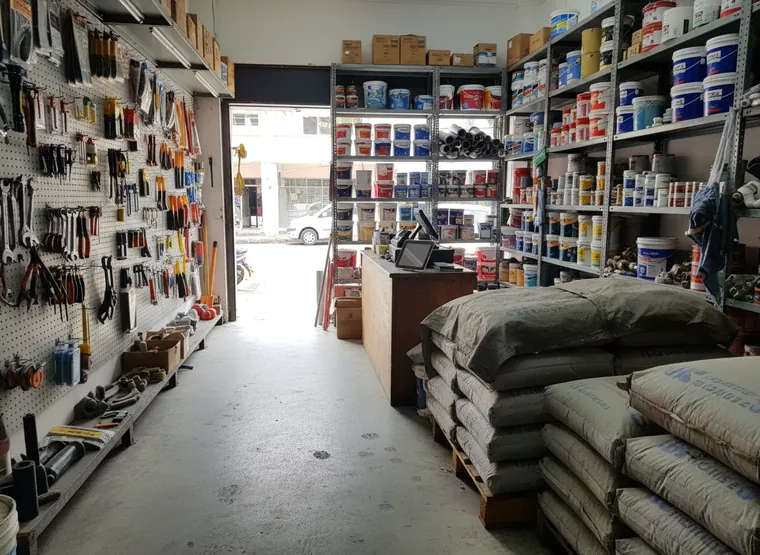
Hardware
Bags, metres and boxes, contractor prices and credit for trade customers.

Apparel
Sizes and colours under one product, with stock for each.
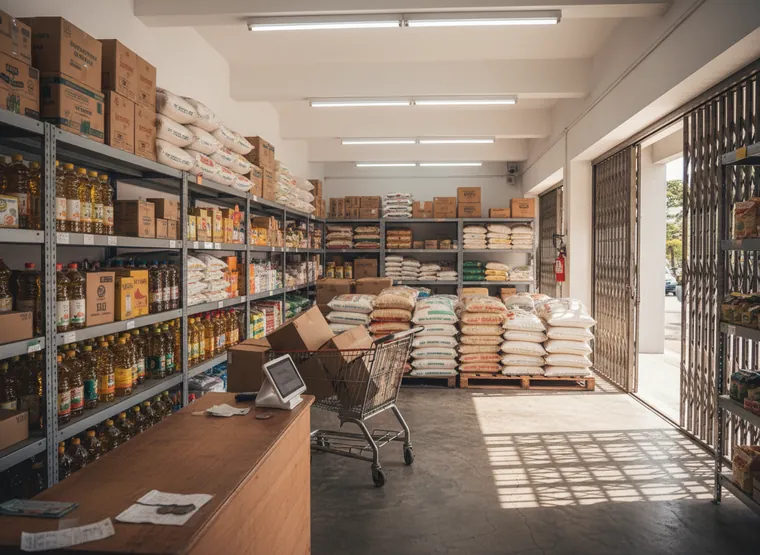
Wholesale + retail
Two prices on one stock, with documents for trade buyers.
Open Your ShopIn Three Steps
- 1
Answer a few questions
Tell us what you sell. We set up products, units, taxes and receipts to match.
- 2
Pair your counter
Pair a tablet, phone or PC once. Your staff then sign in with a name and a PIN.
- 3
Start selling
Ring up sales, take payment, and watch the numbers arrive on your phone.

Questions AboutCCS One POS
No. CCS One POS runs on a Windows or Mac computer, an Android tablet or an iPad. Add a barcode scanner, an 80 mm receipt printer and a cash drawer if you want them.